
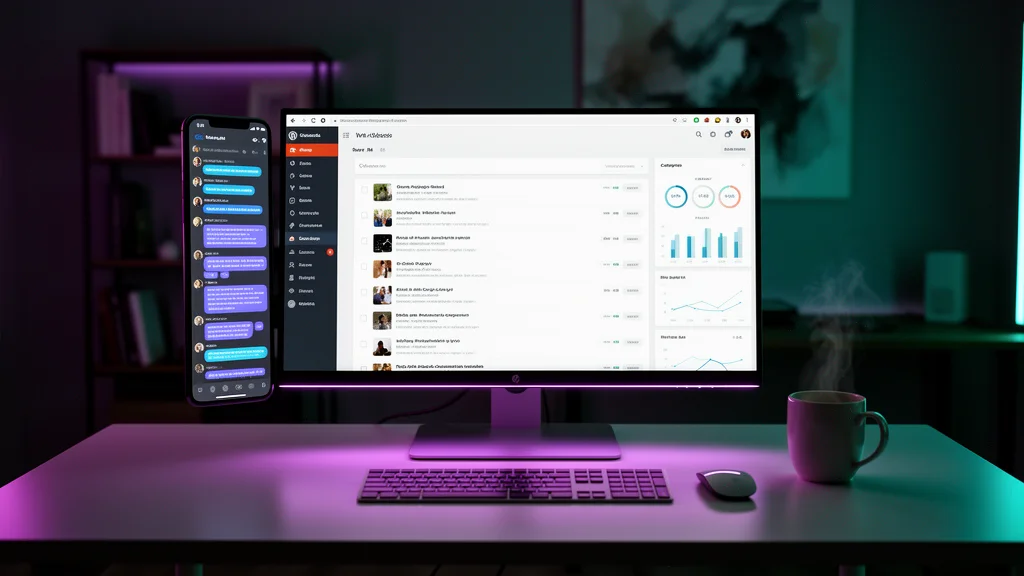
marketing
Available now
AI WordPress Studio
Manage your WordPress sites with AI
An AI WordPress management studio that handles content publishing, site settings, plugin management, and performance monitoring. Works with both WordPress.com (OAuth) and self-hosted WordPress (via the MCP Adapter plugin). Let an AI agent write posts, manage pages, moderate comments, track statistics, and keep your site running smoothly.
WordPress
What You Get
📝
Content Publishing
Write, edit, schedule, and publish blog posts and pages. The AI drafts SEO-friendly content and handles formatting, categories, and tags.
🔌
Plugin Management
Review installed plugins, activate or deactivate them, and get recommendations for site performance and security.
📊
Site Statistics
Pull traffic stats, top posts, referrers, and visitor trends directly from your WordPress.com dashboard data.
💬
Comment Moderation
Review, approve, or delete comments. The AI flags spam and drafts replies to genuine reader questions.
⚙️
Site Settings
Update site title, tagline, reading settings, and other configuration without navigating the WordPress admin.
👥
User Management
Manage site users, roles, and permissions. Add contributors, review user activity, and maintain access control.
Deploy in 3 Steps
Step 1
Connect WordPress
Link your WordPress.com account via OAuth, or connect any self-hosted WordPress by installing the MCP Adapter plugin and providing an Application Password.
Step 2
Choose your site
Select which WordPress site to manage. The AI discovers your sites and their current state.
Step 3
Manage with AI
Chat to write posts, check stats, moderate comments, and manage plugins. Schedule recurring tasks like weekly content reviews.
Built for Real Business Workflows
- ✓ Write and publish blog posts without opening the WordPress editor
- ✓ Check site traffic and top-performing content in a quick chat
- ✓ Moderate comments and reply to readers across multiple posts
- ✓ Review and manage installed plugins for security and performance
- ✓ Update site settings and manage user roles from one conversation

Key Highlights
- ● Content management — write, edit, and publish posts and pages
- ● Site settings, plugins, and user management
- ● AI chat for any WordPress task on demand
Integrations
WordPress
Common Questions
What can the AI WordPress Studio do?
It manages your WordPress.com site through a chat interface. Write and publish posts, edit pages, moderate comments, check traffic statistics, manage plugins, update site settings, and handle user roles. Anything you can do in the WordPress admin, the AI can do through conversation.
Does it work with self-hosted WordPress?
Yes. For self-hosted WordPress you need two things on your server: (1) Install the MCP Adapter plugin — in your WordPress admin go to Plugins → Add New → search "MCP Adapter", or download it from github.com/wordpress/mcp-adapter and upload the ZIP. Activate it after install. (2) Create an Application Password — go to Users → Your Profile → scroll to "Application Passwords" → enter a name and click "Add New Application Password". Copy the generated password (it won't be shown again). Then in TeamDay, add the Self-Hosted WordPress integration and enter your site URL, username, and the application password. Requires WordPress 5.6 or newer.
Do I need a specific WordPress.com plan?
Yes. You need a WordPress.com paid plan with MCP enabled. Go to wordpress.com/me/mcp to enable MCP access on your account, then connect via OAuth in the integrations panel.
Start using AI WordPress Studio
Deploy this team in your organization. Uses one office slot.