Source material together
Keep briefs and reference documents easy to find.
Teamday Files
Browse the files your team works with, organize them in folders, and keep source material close to the work it supports.
One Teamday account for your whole team. More ways to put AI to work.
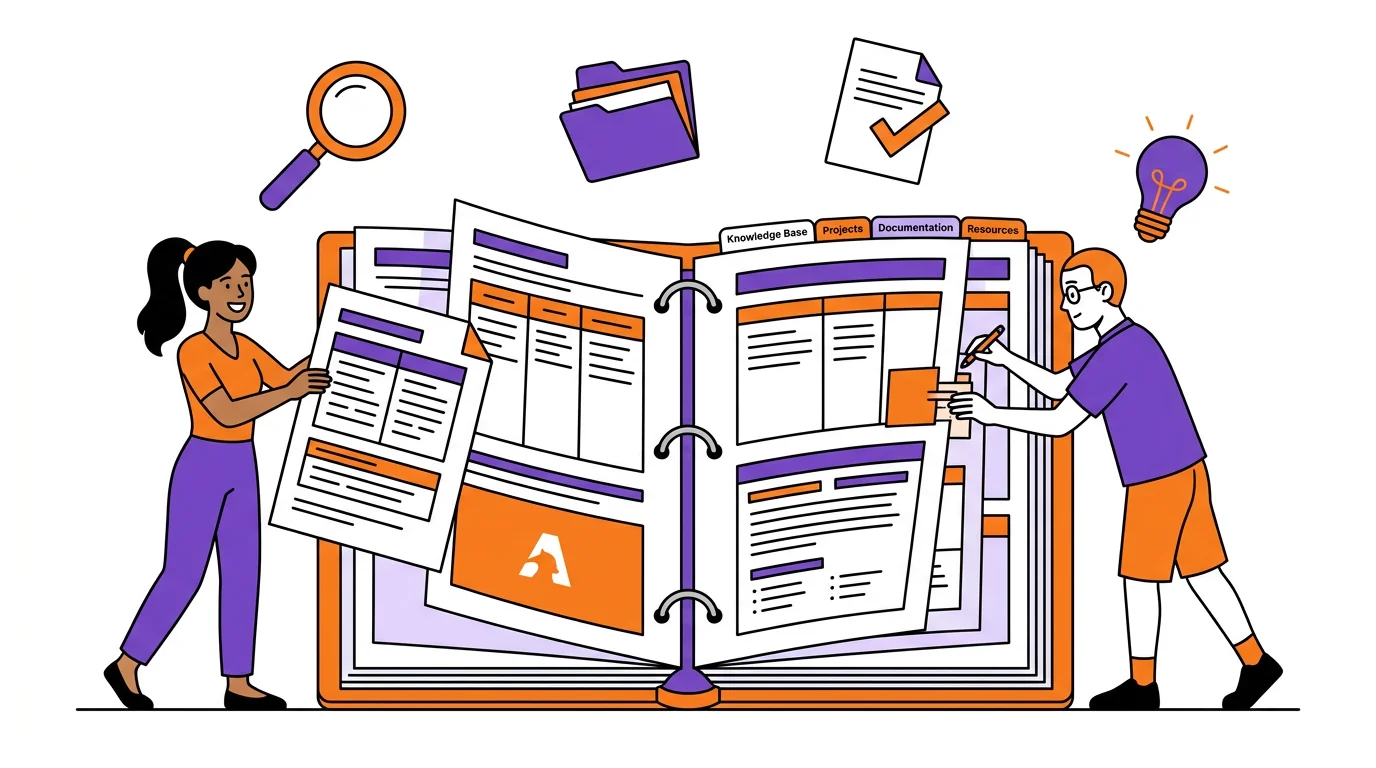
Make it useful
Keep briefs and reference documents easy to find.
Return to the files produced as work develops.
Organize around the way your team works.
From idea to first result
Add the files relevant to the work.
Organize documents and outputs in folders.
Open the material you need for the next task.
Before you begin
No. Files is part of Teamday. Sign in with the same account you use for the other tools.
Sign in to Teamday and open Files. Some work requires an AI provider or a connected external account.
Yes. You can open the other Teamday tools from the same account. Each tool has its own supported inputs; switching tools does not automatically publish or transfer your work.
Teamday Files