Product photography
Show a product in new settings without booking another shoot.
Teamday Images
Give your marketing team product photos, launch creatives, and brand directions in minutes. Start from a clear brief and reference images, and keep what works for the next campaign.
Images and Video share one Teamday subscription. Eligible image generation can use your AI credits; limits apply.
See prices and included usage →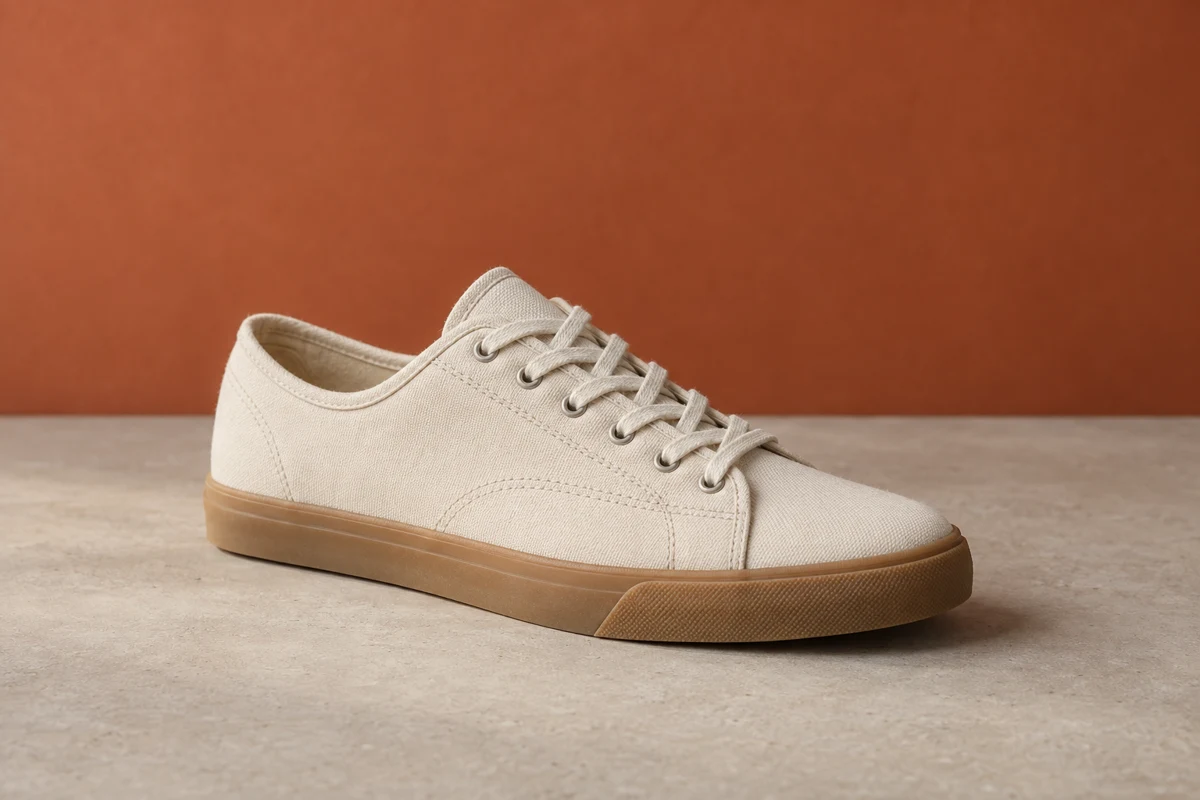
Make it useful
Show a product in new settings without booking another shoot.
Compare visual directions with your team before committing budget to one.
Open a saved image in Video as the starting reference for the next piece.
From idea to first result
Add a reference or describe the subject, setting, and style.
Pick the aspect ratio and available model for your image.
Review the result, refine your prompt, or use the image in Video.
Reusable starting points
These are editable example briefs, not guaranteed results. Replace the subject with your own, then review settings and costs before generating.
A studio product photo of a ceramic coffee cup on a warm neutral background. Soft side lighting, a subtle shadow, and space around the product. No text or logos.
Use this briefA vertical campaign image of a canvas sneaker on a sunlit stone pedestal. Warm natural colors, crisp product detail, and empty space at the top for a headline I will add later. No text or logos.
Use this briefBefore you begin
No. Images is part of Teamday. Sign in with the same account you use for the other tools.
Start a draft before signing in. Generation availability and costs depend on your account and the selected model.
Yes. Open a saved image in Video to use it as a generation reference. Other tools are available from the same account.
Teamday Images
Want this every week? Nova’s team can make it part of your plan →