A tool for a repeat question
Turn the spreadsheet everyone copies into a tool everyone can open.
Teamday App Builder
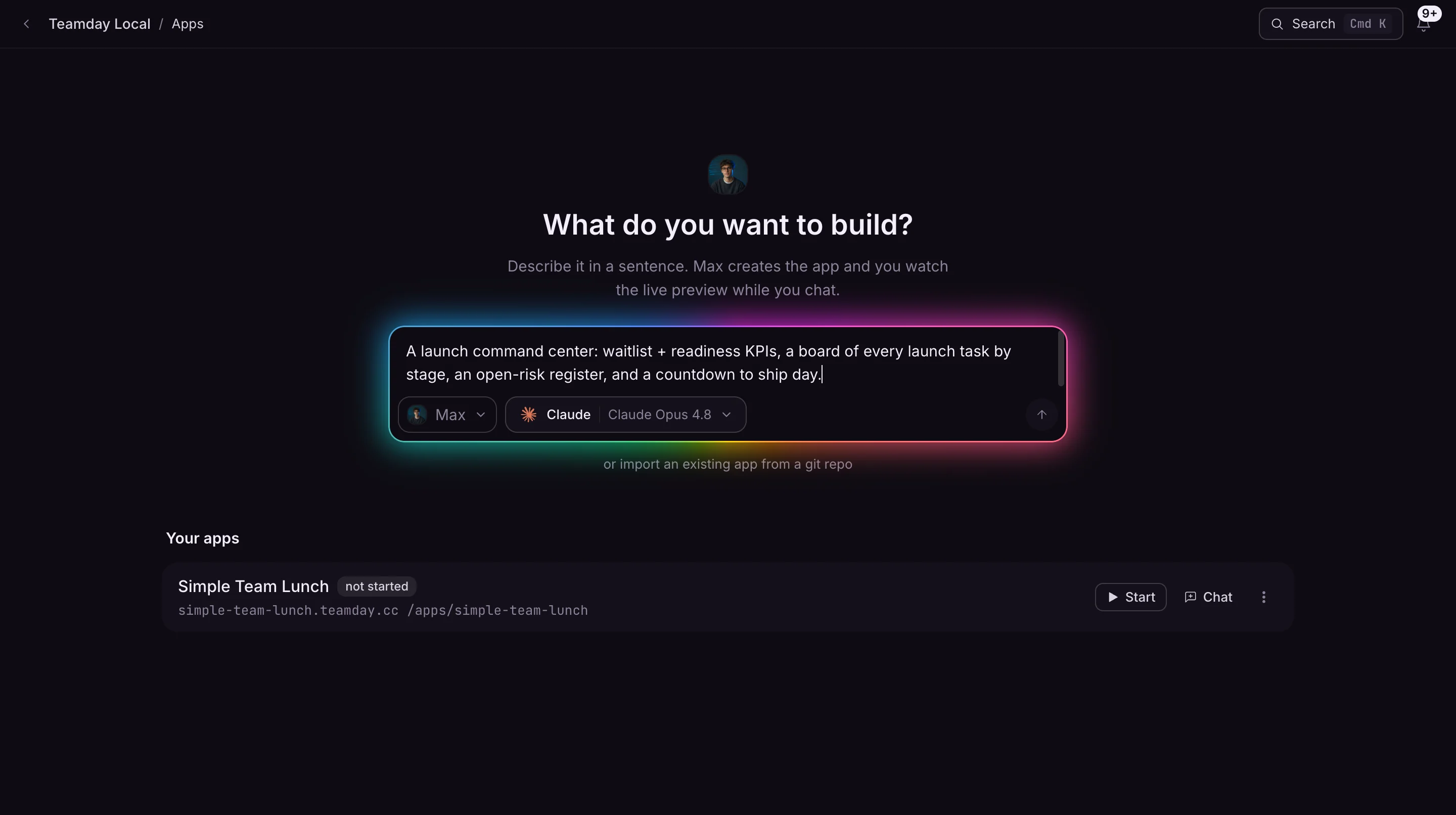
Describe the calculator, tracker, or small app your team needs. Work with AI to build it, preview it, and share a working version with the people who will use it.
One Teamday account for your whole team. More ways to put AI to work.
Make it useful
Turn the spreadsheet everyone copies into a tool everyone can open.
See the working version as you refine it, before anyone else does.
Give your team a working app instead of another explanation.
From idea to first result
Explain who the app is for and what they should be able to do.
Work with AI on a working version and inspect the result.
Adjust the experience and share the app when it is ready.
Before you begin
No. App Builder is part of Teamday. Sign in with the same account you use for the other tools.
Sign in to Teamday and open App Builder. Some work requires an AI provider or a connected external account.
Yes. You can open the other Teamday tools from the same account. Each tool has its own supported inputs; switching tools does not automatically publish or transfer your work.
Teamday App Builder