
Not in theory. Not as a product description. In practice, week to week, what work gets done?
That's the question this post answers — because "AI SEO agent" has become one of those terms that sounds good in pitch decks and explains nothing. Here's a concrete breakdown: what Sarah, TeamDay's AI SEO agent, actually does across a full week, what her outputs look like, and what remains in your hands.
Why the "week" framing matters
An AI SEO agent isn't useful because it can answer an SEO question when you ask. That's just a chatbot.
It's useful because it runs a recurring SEO operation on a schedule — the same way a staff SEO manager would, but without the salary, the onboarding, or the management overhead.
The weekly cadence is what separates an AI SEO agent from a tool and from a prompt. Tools show you data. Prompts generate text. An agent shows up Monday morning, runs the audit, and has the report waiting before you've had coffee.
Here's what that actually looks like.
Monday — Weekly Performance Report
Every Monday, the first mission runs automatically.
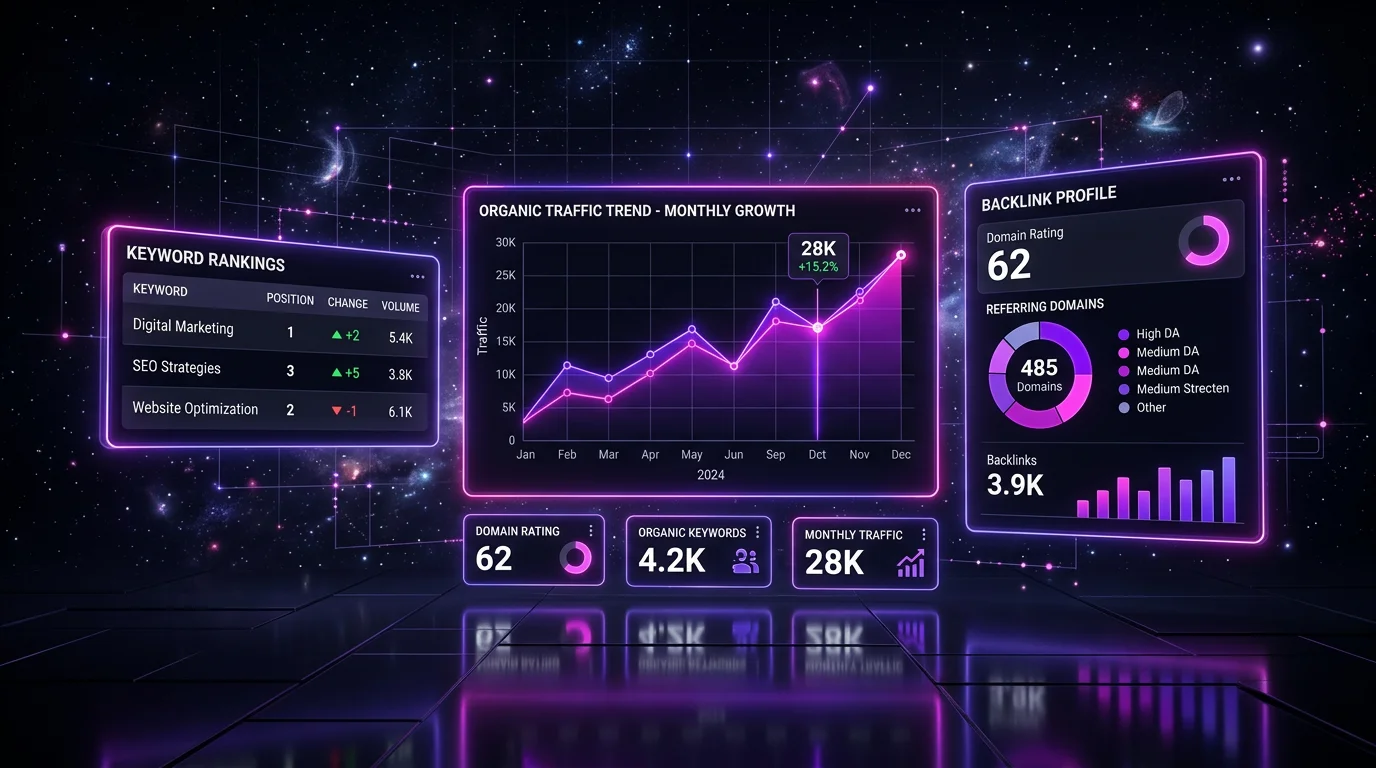
Sarah pulls data from Google Search Console and produces a structured performance report covering:
- Traffic summary: total organic clicks and impressions vs. prior week, with a percentage change and a plain-English explanation of what moved and why
- Keyword movement: which pages gained positions, which dropped, and how much (grouped into "wins," "stable," "watch," and "drop alerts")
- Top opportunity list: keywords currently sitting at positions 4–20 where a targeted update could move the page onto page one — ranked by estimated traffic impact
- Quick-win flags: pages with declining impressions that haven't yet lost clicks (the canary in the coal mine — catch them now)
The report doesn't live in a dashboard. It lands in your workspace feed or inbox, formatted for skimming. You get the finding and the recommended action — not the raw table.
What you do with it: review the priority list, pick 1–2 actions to push this week, delegate the rest or queue for the next sprint.
Tuesday — Keyword Research Pass
Once the weekly performance data is processed, Sarah runs a keyword research pass.
The input is your product area and current content gaps. The output is a ranked list of keyword opportunities: volume, keyword difficulty, current ranking (or absence), and SERP feature breakdown (does this query fire an AI Overview? Image results? A featured snippet?).
The focus is actionability. Not 200 keywords in a spreadsheet — 8–12 keywords that have a realistic path to a ranking within 60 days at your current domain rating. The list is ranked by expected impact, not by volume alone.
High-KD keywords with monster traffic numbers don't make the cut if your DR can't compete yet. That's the prioritization most SEO tools fail to do — they surface the opportunity but not the filter.
What you do with it: pick the 2–3 best fits for your content calendar and hand them off to your content agent (or write the post yourself).
Wednesday — Competitor Gap Analysis
Mid-week, Sarah runs a competitor scan.
She compares your domain against 2–3 defined competitors and surfaces the keyword gap: terms where they rank in the top 20 and you don't appear at all. Each gap item includes the competitor's position, their page that's ranking, and an assessment of why you might be absent (no page targeting it, existing page not optimized, competitor has a substantially stronger backlink profile for this term).
The gap list has two uses:
- Content calendar input: gaps with low KD and decent volume are your next best articles to write
- Optimization queue: gaps where you have a page but it's not ranking often mean a title tag update, a schema addition, or an internal link pass — not a full rewrite
The deliverable is prioritized. Sarah flags the top 5 items with a specific action recommendation for each.
Thursday — Rank Drop Monitoring + Alerts
Rank drops are a Thursday event — far enough into the week to catch any Google freshness cycle effects, soon enough to act before the weekend.
Sarah checks the rank positions of every tracked keyword against the prior week's baseline. When a page drops 3 or more positions on a target keyword:
- An alert fires to your workspace
- The alert includes: the keyword, the prior position, the new position, the competing page that gained, and a hypothesis for the cause (fresh competitor content, a technical issue flagged in the last audit, a Core Web Vitals regression)
- A recommended action is included: check the page's tech health, scan the competing result for what changed, or flag for content refresh
This isn't just a data alert. It's a root-cause first pass.
Most SEO tools can tell you something dropped. Very few can tell you what to do about it. That's the difference between a dashboard and an agent.
Friday — Technical Health Check (Monthly Deep, Weekly Spot)
Weekly: a lightweight technical spot-check. Sarah scans for new crawl errors, any indexing issues flagged since Monday (unusual in a short window, but Google's Search Console updates daily), and any redirect chain regressions from recent deploys.
Monthly (on the first Friday of each month): a full technical audit. This covers:
- Broken internal links: pages linking to 404s or redirected URLs
- Meta tag health: missing titles, duplicate descriptions, over-length tags
- Indexing issues: pages blocked by robots.txt or missing canonical tags
- Core Web Vitals flags: pages failing LCP, CLS, or INP thresholds in the GSC report
- Redirect chain audit: chains longer than 1 hop that bleed PageRank
Each issue is ranked by estimated traffic impact. The output is a fix-list, not a data dump — sorted by "fix this first" priority.
What an AI SEO agent doesn't do
This matters as much as what it does.
Sarah does not:
- Build backlinks. Link acquisition requires relationships with real people at real publications. That's not something an agent can own — it requires human outreach, editorial relationships, and judgment about which links are worth pursuing.
- Make major strategic pivots. If your keyword strategy needs a full rethink — targeting a new audience, repositioning around a new product vertical — that's a conversation between you and your CMO (human or AI). Sarah executes a defined strategy; she doesn't set it.
- Write content. She briefs it. The brief is sharp and data-grounded — keyword, intent, competing page analysis, recommended sections — but the writing is separate. (That's Maya's territory.)
- Handle link-building partnerships, PR, or editorial relationships — the relationship-layer of SEO still requires humans.
The model that works: Sarah handles the execution 80% — the recurring audits, the data pulls, the weekly reports, the ranked recommendations. You handle the 20% that actually requires judgment: strategy direction, partnership decisions, major content repositioning.
What this costs vs. what it replaces
A junior SEO hire runs $60,000–$80,000/year before benefits. That hire spends a significant portion of their week on exactly the work above: pulling reports, monitoring rankings, running audits, writing briefs.
Sarah covers that execution layer at a fraction of the cost — and does it on a consistent schedule without bad weeks, context-switching, or forgetting to pull Monday's report.
The investment case isn't "fire your SEO team." It's "cover the execution layer so the strategic layer actually gets attention."
How to set this up in 30 minutes
- Hire Sarah from the agents directory
- Connect Google Search Console — OAuth, two clicks, done
- Add your Ahrefs API key in the integrations panel
- Define your target keywords (your core product terms + the 3–5 you're actively building toward)
- Add 2–3 competitor domains
- Set the weekly report cadence (Monday morning is the default)
The first full mission runs on the next scheduled cycle. After the first report, you tune the focus areas and competitors. Subsequent reports improve as Sarah builds a history of your site and your ranking trajectory.
Browse the full AI team
Sarah is one of the AI employees available in Teamday's agent directory. She focuses on SEO execution — if you need content written from the briefs she produces, that's Maya, the AI Content Creator. If you need someone to set campaign direction and coordinate across the team, that's Nova, the AI marketing employee.
The /teams directory shows how these roles fit together as a functioning marketing operation — which agents work in parallel, which ones hand off to each other, and how a lean team can cover the full marketing function without a headcount.