
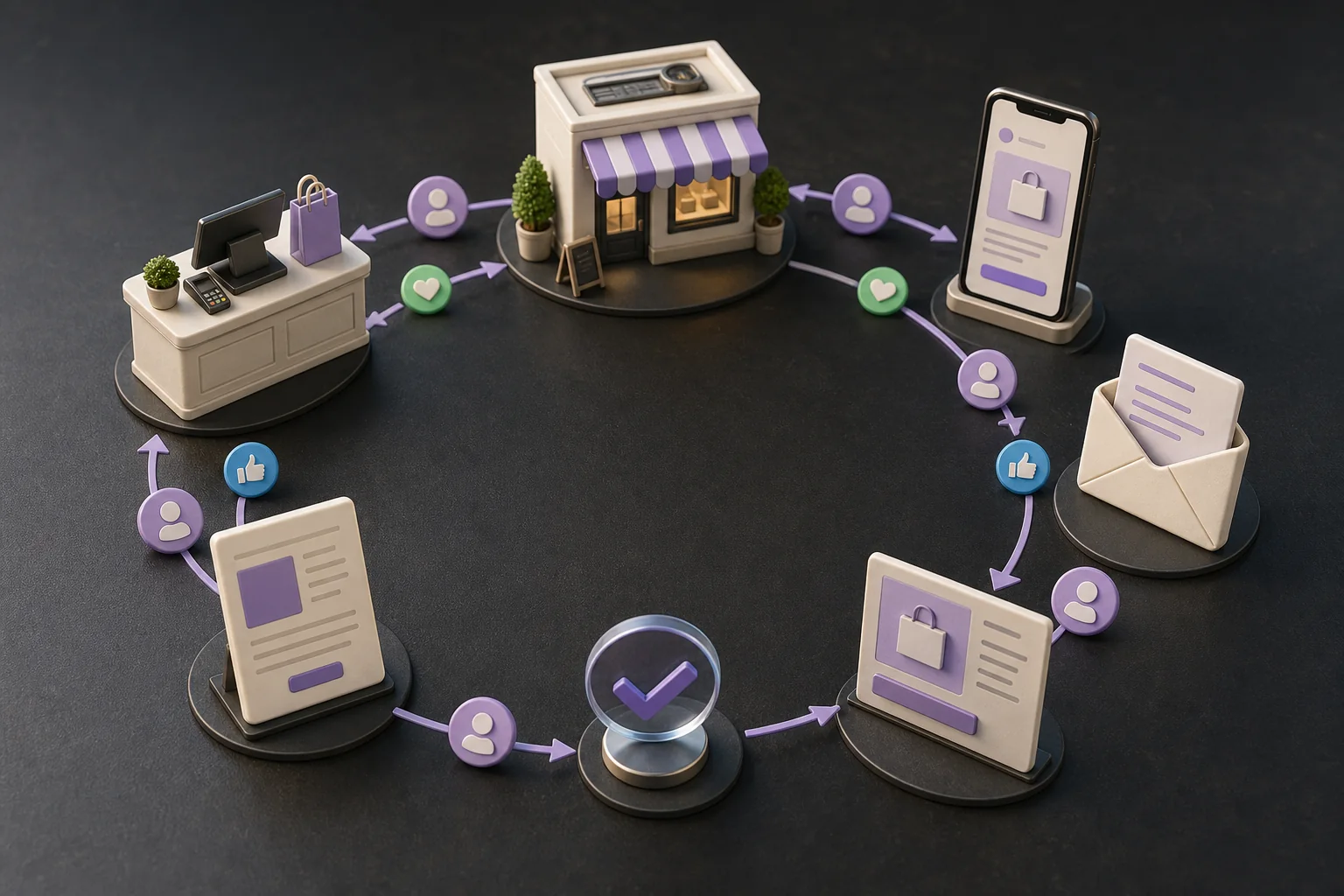
Most local businesses set up their Google Business Profile once, get a few reviews, and never look at it again. Then a competitor two streets away updates hours, answers every review and adds photos, and the calls move.
Local SEO is not a setup task. It is a loop: observe what customers do, decide on one change, make it, verify the effect after enough time, and remember what happened. This guide gives one location a weekly and monthly version of that loop, a scorecard that counts customers rather than vanity numbers, and a 30-day plan to start. It does not promise a map-pack position. Google says plainly that "there's no way to request or pay for a better local ranking on Google." What you can control is how complete, accurate, active and trustworthy your presence is.
If you want the broader operating model behind this article, read AI Marketing Loops. This is the local-business version.
What Google says local ranking is built on
Google's own guidance, How to improve your local ranking on Google, names three factors:
- Relevance: "how well a Business Profile matches what someone is searching for." Complete, detailed information helps Google match the profile to searches.
- Distance: "how far each business is from the customer who's searching." You cannot change this, which is why ranking position is a poor scorecard.
- Prominence: "how well-known a business is." Reviews, ratings and links from other websites all contribute.
The same page lists the actions Google recommends: verify the business, keep the address, hours, special hours, category and attributes complete, reply to reviews, and add photos and videos. "Businesses with complete and accurate info are more likely to show up in local search results."
That is the whole playbook. The loop exists to keep doing it every week without anyone having to remember.
One location, one weekly circuit
Check the profile, fix one thing, then wait for the data.
- 1
Observe
Profile performance, calls, bookings, reviews, landing-page actions
- 2
Compare
Latest four weeks against the previous four and last year
- 3
Pick one
The single reversible change with a customer reason
- 4
Act
Business facts and public replies go live only after approval
- 5
Verify
Reread the same numbers after the waiting window
- 6
Remember
Log the change, the date, and what happened
Most weeks end with “no change”. That is the loop working, not failing.
The local SEO loop in one page
Observe. Pull the Business Profile Performance report, the landing-page numbers for your location pages and the review feed. Compare the latest four weeks with the previous four and with the same weeks last year.
Decide. Pick one change you can reverse and explain in a sentence a customer would understand: a wrong opening time, a missing service, an unanswered question, an outdated photo set, a landing page that lost its form conversions.
Act. Make the change through the right surface, in most cases the Business Profile manager or your website. Business facts and anything public go live only after someone accountable has checked them.
Verify. Wait. Profile searches update monthly, and small businesses have small numbers, so a week of data tells you little. Reread the same scorecard after four to eight weeks.
Remember. Log what changed, when, and what you expected. Without the log, next quarter's review is guesswork.
The exit condition matters as much as the steps. If the scorecard is steady and the profile is accurate, the correct output of the week is "no change."
Build a scorecard that counts customers
The Business Profile Performance report gives you the raw material. It shows interactions, searches, views, direction requests, calls, website clicks, messages and bookings, filtered to the metrics that apply to your business. Two counting rules from that page shape how you read it:
- Searches are "updated at the start of each month" and can take up to five days to appear, so judge search terms monthly, not weekly.
- Views count unique visitors once per day, and cover the profile only, not your whole presence on Google.
Google Search Console covers your website side; the content-refresh loop explains what it can and cannot tell you. Mark calls, bookings and form submissions as key events in your analytics so landing pages report customer actions rather than visits.
Count customers, not vanity
A local scorecard a business owner can act on.
Qualified calls
Calls that became a quote, booking, or visit; not every ring
Direction requests and bookings
People who decided to come, from the Performance report
Landing-page actions
Forms, bookings, and tap-to-call from location pages
Non-brand discovery
Searches for the service, not for your name
Review velocity and reply coverage
New reviews per month and share answered within a week
Average rating and map-pack position are context, not the goal.
Three habits keep the scorecard honest:
- Qualify calls. Count the calls that became a quote, a booking or a visit. If your phone system cannot tag them, sample one week a month by hand.
- Separate brand from non-brand. Searches for your name measure reputation and repeat customers. Searches for "emergency plumber" or "dentist near me" measure discovery. Both matter, but only the second responds to the work in this loop.
- Track review velocity and reply coverage, not the star average. New reviews per month and the share answered within a week are things you can change. The average rating is a slow consequence.
Weekly loop: profile health and customer questions
Thirty minutes, same day every week.
Accuracy check. Compare the live profile against your source of truth: name, address or service area, phone, website link, hours, special hours for upcoming holidays, categories, services and booking links. Google's guidelines for representing your business are specific here, and violations "can lead to changes to your information, removal, or suspension of your profile." The ones small businesses break most often:
- The name "should reflect your business's real-world name." No taglines, service keywords, phone numbers or locations added to it.
- "Choose the fewest number of categories it takes to describe your overall core business." Google's test: categories complete the sentence "this business IS a," not "this business HAS a."
- One profile per location. Service-area businesses that travel to customers should have one profile for the central office and hide the address.
- Descriptions may not contain links, promotions or prices, or content with no clear association to the business.
Customer questions. Read the week's reviews, profile messages, phone notes and support emails for questions that keep coming back. Each repeated question is a candidate for the profile's Q&A, the services list, a photo, or a paragraph on the location page. This is the most reliable source of relevance you have, because it comes from the people Google is trying to match you to.
Photos and posts. Add photos when something real changed: new staff, new equipment, a finished job, a seasonal setup. Stock imagery adds nothing a customer wants to see.
Monthly loop: landing pages and local intent
Once a month, look at the website side.
Decide whether a page should exist. A location or service page earns its place when a customer who lands on it finds something they cannot get from the profile: specific services, prices or price ranges, staff, parking, accessibility, before-and-after photos, answers to the questions you collected. A page that exists only to hold a city name in the title is a near-duplicate, and near-duplicates compete with each other.
Refresh before you create. Take the weakest existing page with real impressions, and run the content-refresh loop on it: diagnose the mismatch, make one focused change, log the date, wait. Create a new page only when there is a customer need no existing page serves.
Check the conversion path. Tap-to-call works on mobile, the booking link opens the right calendar, the form reaches a human within the hour. A landing page that ranks and does not convert is a local SEO problem too.
Review loop with safety and neutrality
Reviews drive prominence, and they are the part of local SEO where good intentions most often break the rules. Google's policy on user-contributed content and its guidance on requesting reviews draw the lines:
- Allowed: asking customers for genuine reviews with a Google review link or QR code. Customers "must be signed into a Google Account to leave a review."
- Prohibited: incentives of any kind, including discounts and free services, and offers to change or remove a negative review. Google calls incentives "strictly prohibited."
- Prohibited: asking only satisfied customers, or discouraging negative reviews. The policy wording is "discourage or prohibit negative reviews, or selectively solicit positive reviews from customers." That rules out the common practice of showing a survey first and sending only happy respondents to Google.
- Prohibited: pressuring people to review while on the premises, and reviews from employees, family, contractors or competitors, which Google treats as conflicts of interest.
A loop that respects this looks like: every eligible customer gets the same request, at the same point after the job, with the same link. Complaints go to service recovery first, by phone or email, because you want to fix the problem, not because you want to stop the review. If they still post, you reply.
Replying. Google's advice is short: keep replies polite, brief and relevant, address the reviewer by name, mention their specific feedback, sign with your name or initials, and do not use replies for promotions. For negative reviews, acknowledge real mistakes without accepting blame for things outside your control, never share a reviewer's private details, and move complex issues to a private channel. Aim to answer every review within a week; that is the reply-coverage number on your scorecard.
Citation and inconsistency loop
Directories, maps apps, social profiles and industry listings copy your business facts, and they drift. A customer who calls a disconnected number from an old listing is lost just as surely as one who never found you.
Keep one document as the source of truth: legal and trading names, address or service area, phone numbers, hours, website URLs, booking links, categories. Every quarter, check the listings customers actually reach: the top results when you search your own name, the maps apps your customers use, and the industry directories that send you calls. Fix discrepancies on those first. Chasing every directory on the internet is a project with no end and little return.
What an AI agent can do, and what stays gated
Almost everything in this loop is observation, comparison and drafting, which is exactly the work an agent does well and a busy owner does not do consistently.
Delegate:
- Pull the Performance report, landing-page analytics and the review feed on schedule, and compare periods.
- Flag mismatches between the live profile and the source-of-truth document.
- Collect repeated customer questions from reviews, messages and support notes, and propose Q&A, service and page updates.
- Draft review replies in your tone, with the reviewer's name and the specific point they raised.
- Propose the one change for the week, with the reason and the expected effect, and keep the change log.
Keep behind approval:
- Public review replies, especially to negative reviews.
- Any business fact: name, address, phone, hours, categories, services.
- Creating pages in bulk, or any page whose only purpose is a location keyword.
- Anything that touches the review-request policy, such as who gets asked and when.
- Responses in regulated fields, where a reply can disclose that someone is a patient or client.
In Teamday, Sarah, the SEO Manager, can run the weekly scorecard and profile check as a scheduled Mission when the data is available to it, with public replies and business-fact changes held for your review. For what the role does across a week, see A Week in the Life of an AI SEO Agent. For more loops a small business can run with the same pattern, see 5 AI Loops Every Small Business Should Run.
A 30-day starter plan for one location
The first 30 days for one location
Set the baseline before you change anything.
- 1Accuracy
Week 1
Baseline the scorecard; fix hours, categories, phone, and links
- 2Relevance
Week 2
Collect real customer questions; update services and the Q&A
- 3Prominence
Week 3
Start the review request routine for every eligible customer
- 4Conversion
Week 4
Refresh one weak location page; log the change date
Then run the weekly loop and judge the first changes after four to eight weeks.
Week 1: baseline and accuracy. Write down the scorecard for the last four weeks and the same four weeks last year. Create the source-of-truth document. Fix every profile fact that disagrees with it, including special hours for the next two months.
Week 2: relevance. Collect two weeks of customer questions from reviews, messages, calls and email. Update the services list and the profile Q&A with the three most common. Add real photos of the business as it is today.
Week 3: prominence. Set up the review link or QR code and define the request: who, when, same message for everyone. Reply to every unanswered review from the last year, oldest first. Decide who approves replies to negative reviews.
Week 4: conversion. Pick the weakest location or service page with real impressions. Make one focused improvement with the customer questions you collected, check the call, booking and form paths on a phone, and log the change date.
From week 5, run the weekly loop. Judge the first changes between weeks 8 and 12, not before.
The practical takeaway
A local SEO loop is unglamorous on purpose. It keeps the profile accurate, keeps answering real customers in public, keeps asking everyone for reviews the same way, and makes one considered change at a time. It measures calls, visits and bookings, and treats rank as weather.
Do that for a quarter and you will know more about where your customers come from than most competitors learn in a year. Let an agent carry the routine. Keep the decisions and the public voice.
Your next action
Open your Business Profile Performance report and your analytics, and fill in the scorecard for the last four weeks: qualified calls, direction requests, bookings, landing-page actions, non-brand searches, new reviews, and the share of reviews you answered within a week. Then compare the live profile against your hours, categories and phone number.
Fix any wrong fact today. Everything else waits for next week's loop.
Frequently asked questions
What is a local SEO loop?
A recurring routine for one location: observe the Business Profile and landing-page numbers, pick one reversible improvement, make it, wait long enough to measure, and record the result. It replaces one-time setup with a weekly check and a monthly deeper pass.
How often should a small business work on local SEO?
Check the profile and the scorecard weekly, in about 30 minutes. Review landing pages and citations monthly. Most weeks should end with no change, because the last change is still too young to judge.
Can I ask customers for Google reviews?
Yes. Google allows asking for genuine reviews with a link or QR code. It prohibits incentives, asking only happy customers, discouraging negative reviews, pressuring people on the premises and reviews from staff, family or competitors.
Which local SEO metrics matter most?
Qualified calls, direction requests, bookings and landing-page actions, compared period over period. Non-brand searches, review velocity and reply coverage explain those numbers. Average rating and map-pack position are context, not the goal.
What can an AI agent do in a local SEO loop?
It can pull the numbers, compare periods, flag inconsistencies, collect customer questions, draft review replies and page updates, and keep the change log. Public replies, business facts, bulk page creation and anything touching policy should still go live only after a human approves them.